DevDay 2026 Recap
DevDay 2026 is our biggest yet, with more than 20 major announcements across ChatGPT, Codex, our models, and entirely new forms of working with AI.
We believe AI can help bring about a new renaissance of creativity and discovery. It should give people more time for what matters to them, more freedom to pursue their ideas, and the ability to do things they didn’t think were possible.
Today, we introduced agents that can take on ongoing responsibilities and new ways for people and AI to work together. We also expanded our commitment to an open ecosystem by opening up ChatGPT as a shared surface where humans and agents can collaborate and where developers can directly launch new native experiences to our collective 1.2B weekly users.
Here’s everything we announced.

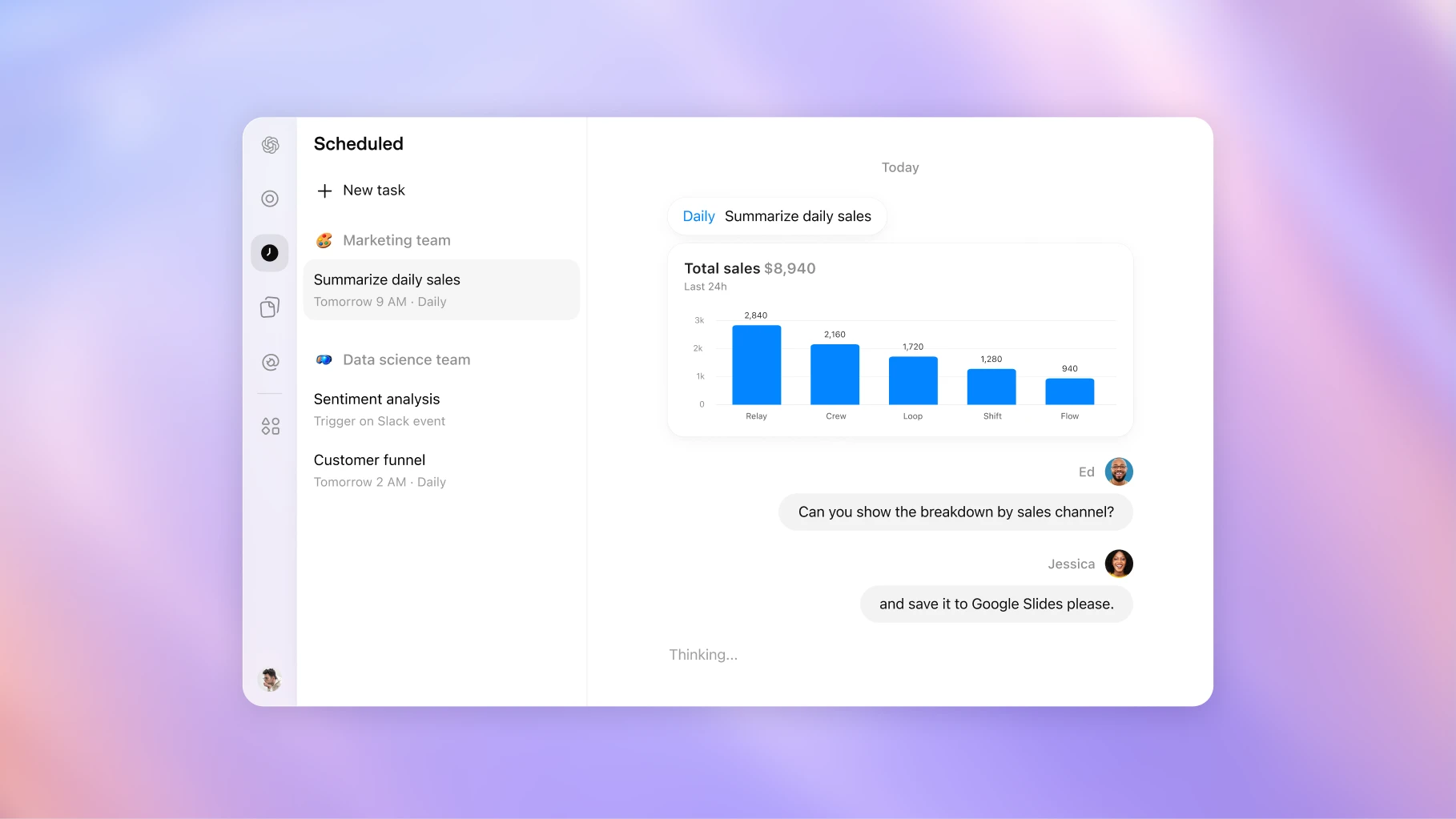
Dots are remarkably capable, always-on agents built to handle everything.They’re a whole new way to work with AI—one that gets to know what matters to you, is always working on your behalf, and takes important work off your plate so you get more of your time and attention back.
Available on Pro and Business Premium in eligible markets. Enterprise, Edu, and Healthcare users can try the beta when their workspace admin enables it; it is off by default.Learn more
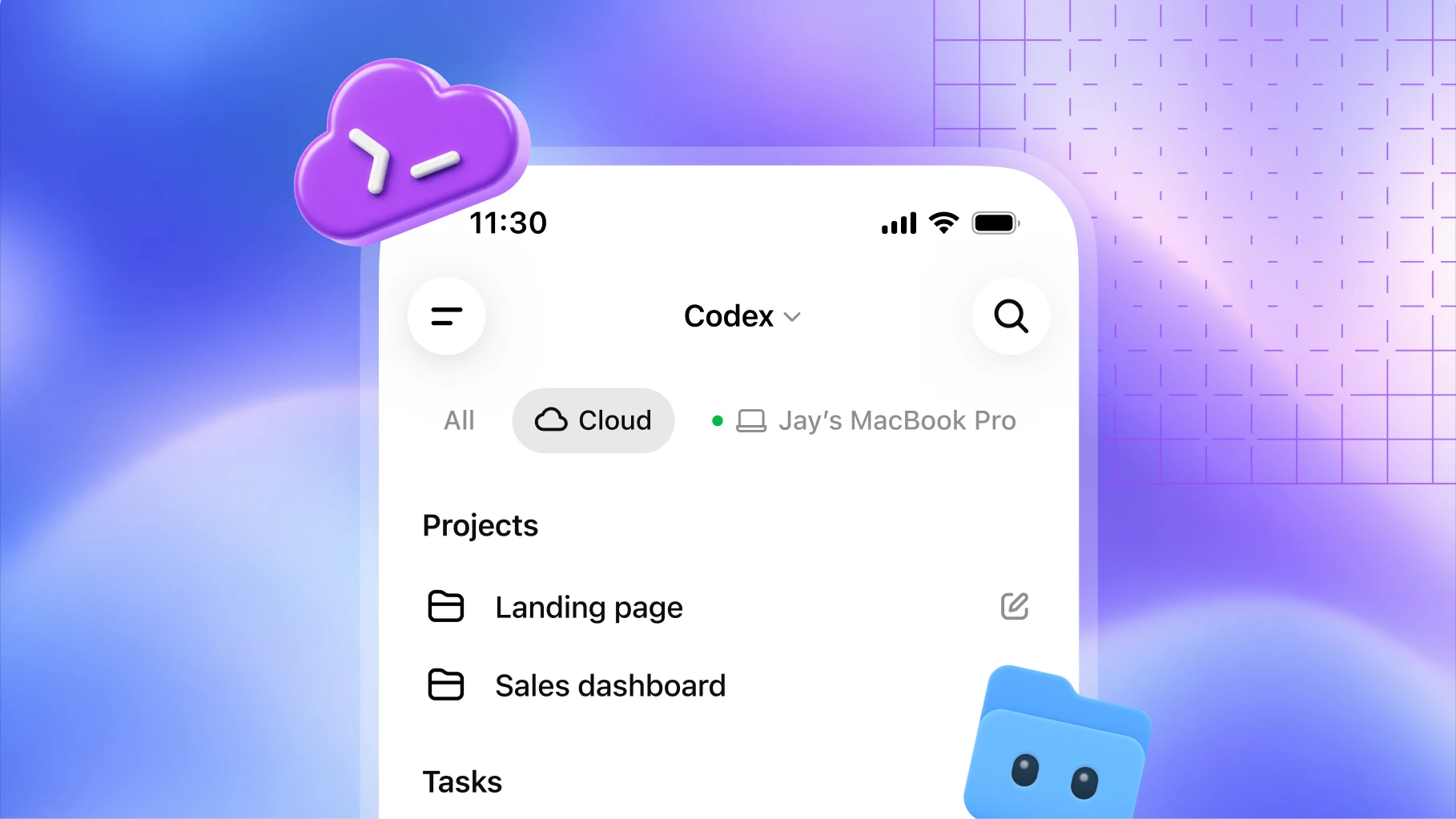
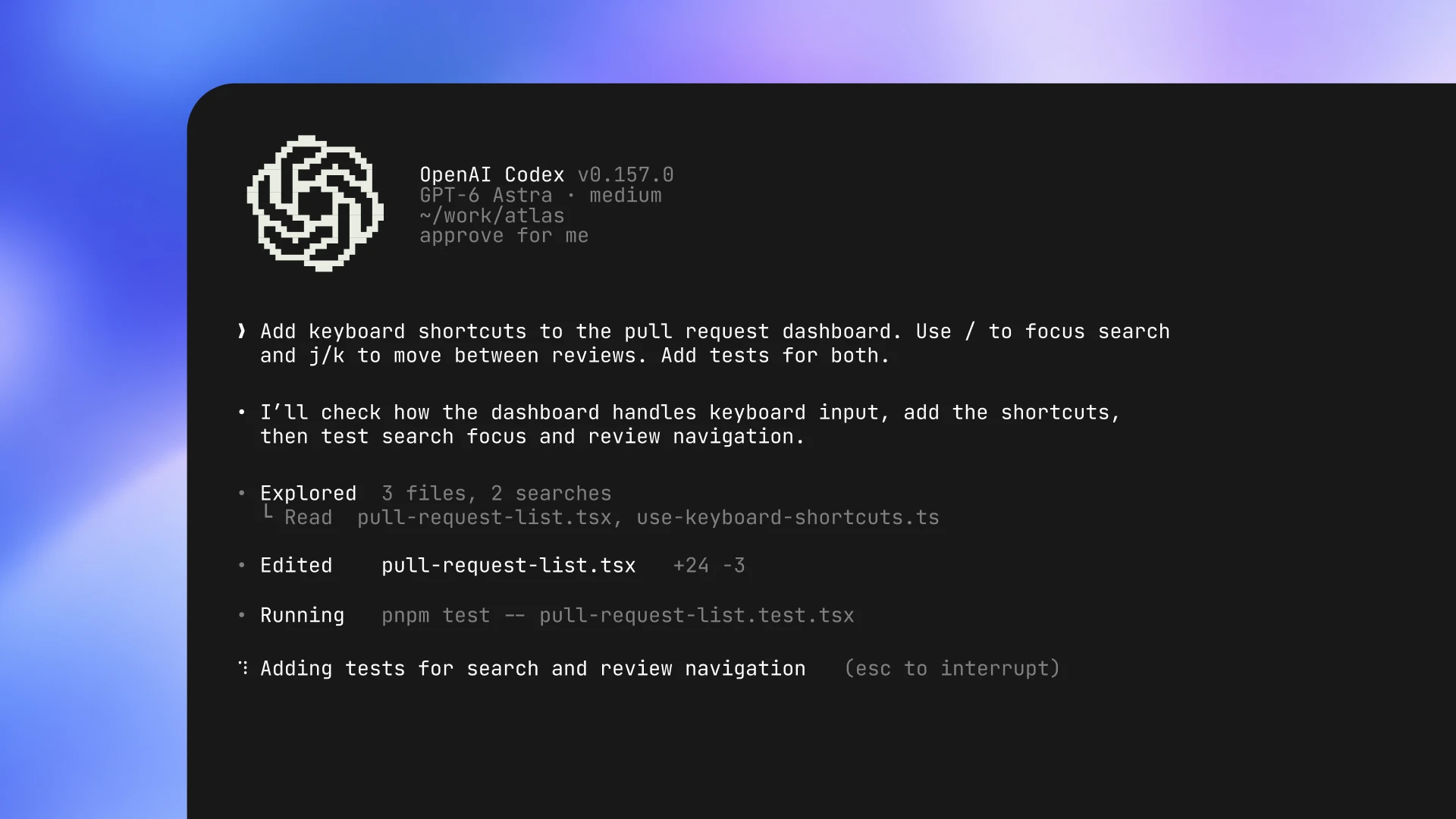
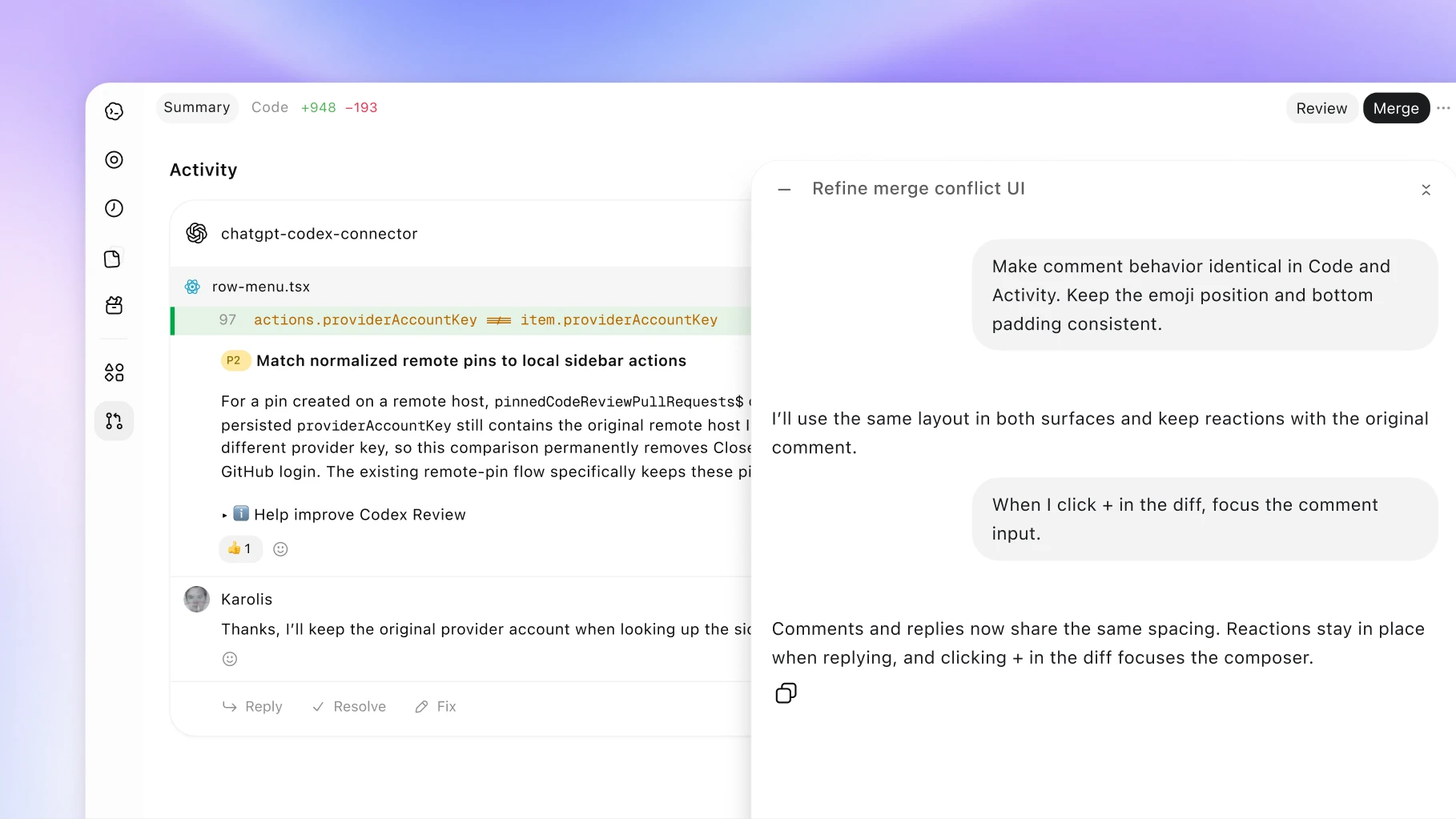
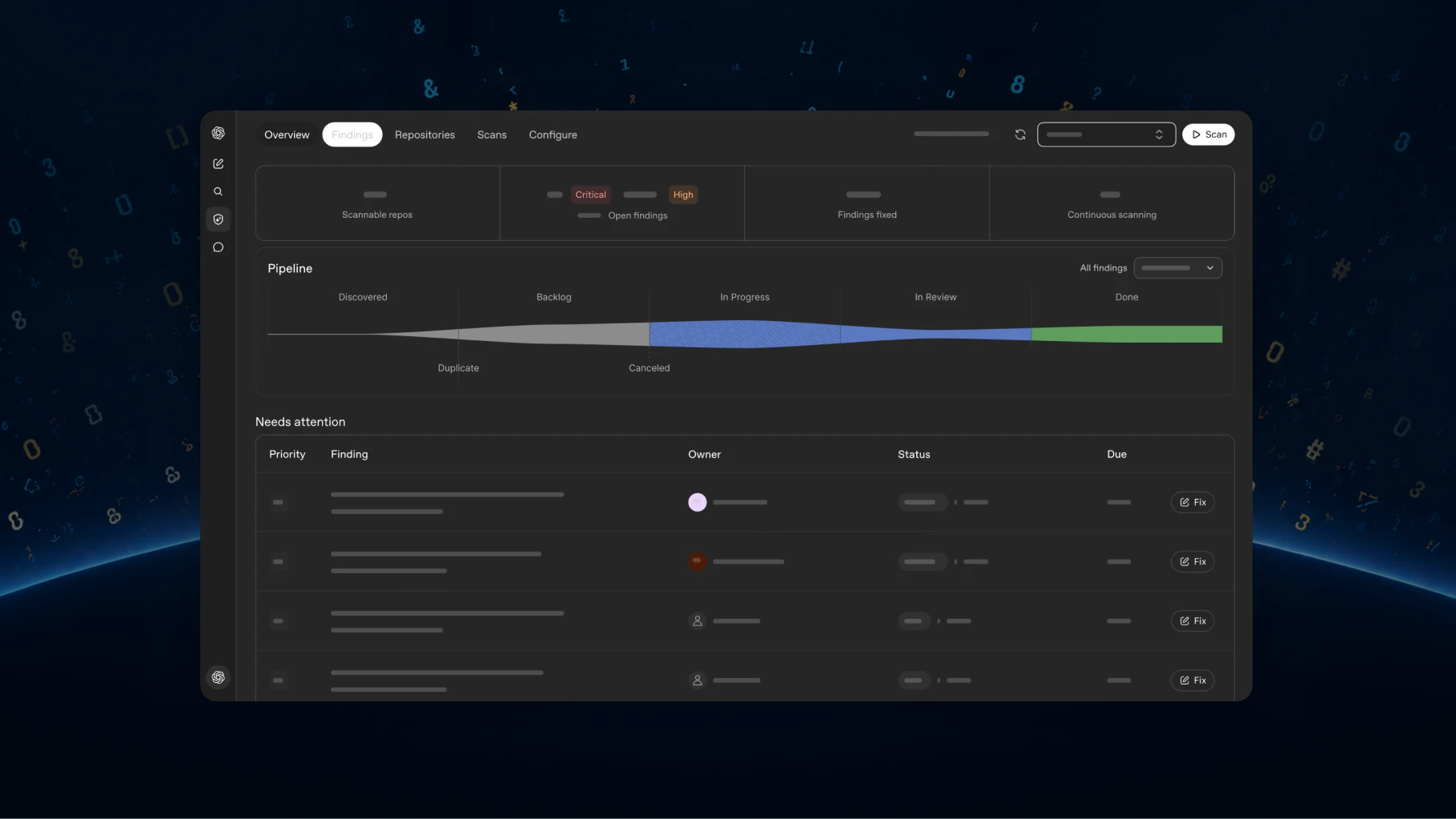
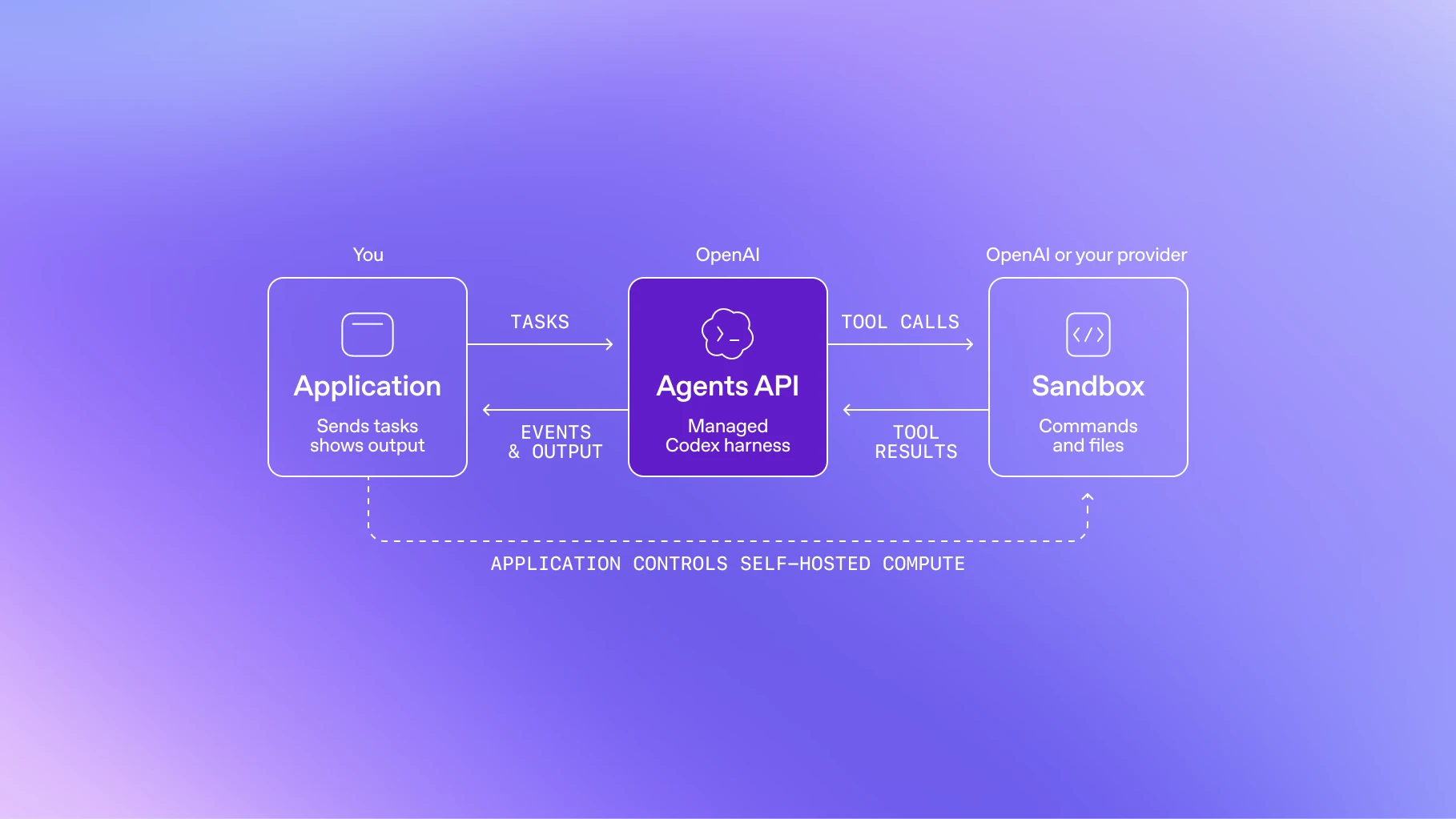
Now developers can run Codex wherever they need it: on a computer, remotely from a phone, or in the cloud from any device. Reusable development environments help tasks start quickly and give your team a shared setup with approved settings and permissions.
Available on Plus, Pro, Business, Healthcare, Education, and Enterprise. Learn more(opens in a new window)
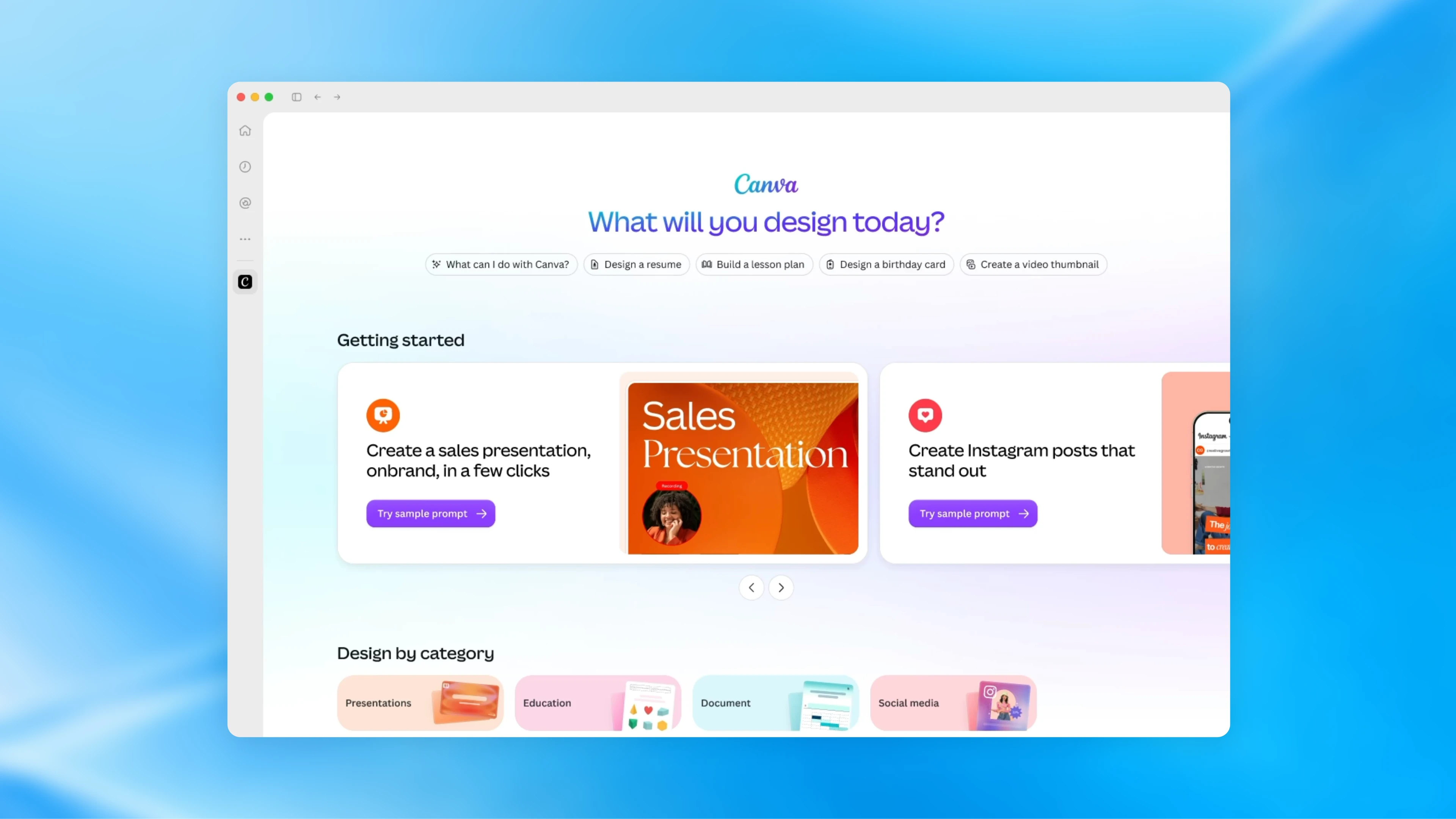
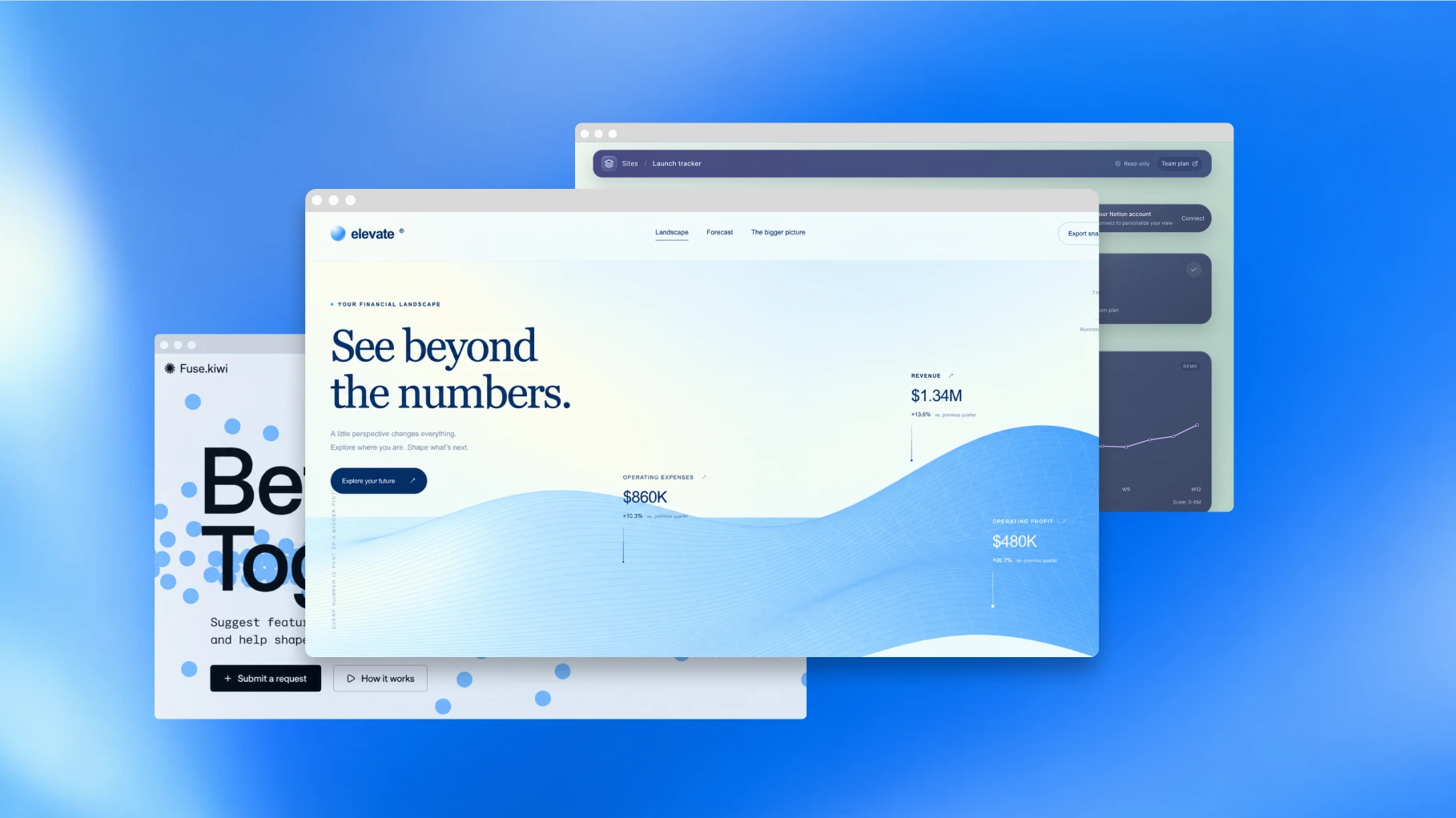
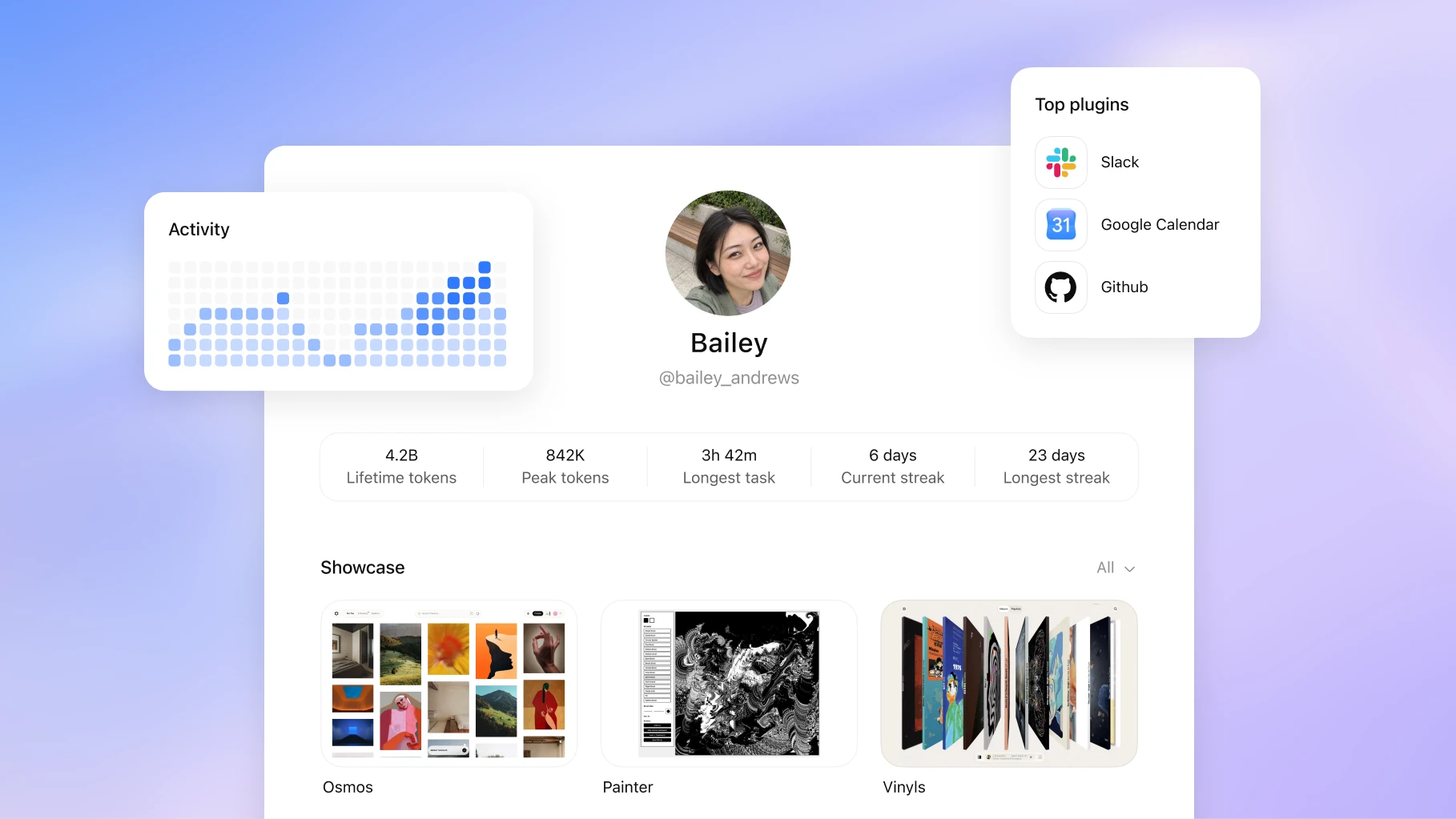
We’re opening the platform we use to build ChatGPT features so developers can create their own experiences within ChatGPT. Plugin extensions let you give your plugin a home in the sidebar and build interactive panels where people can work alongside the conversation. You can also create viewers for the file types your product supports.
Available to all plans. Learn more(opens in a new window)
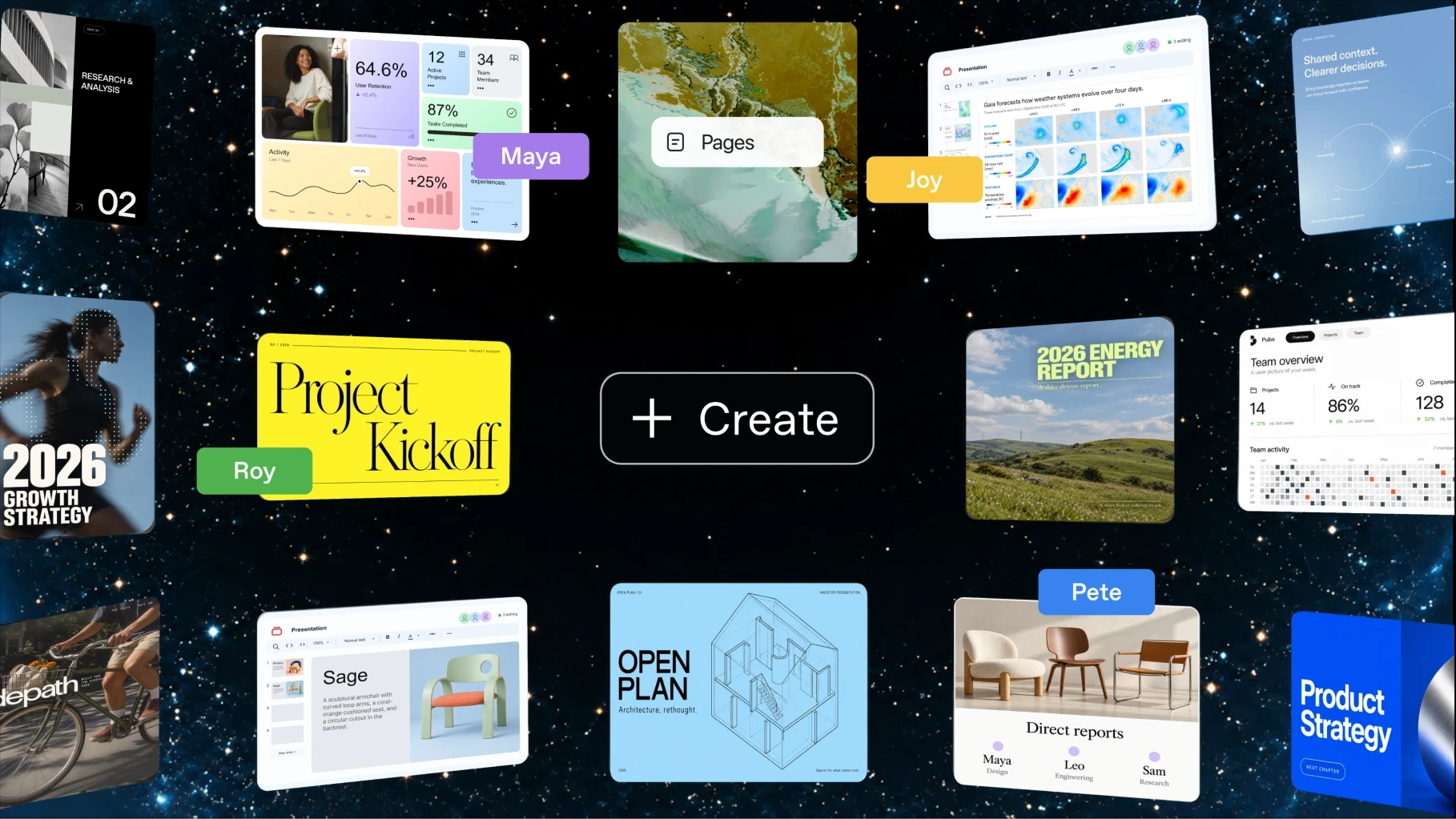
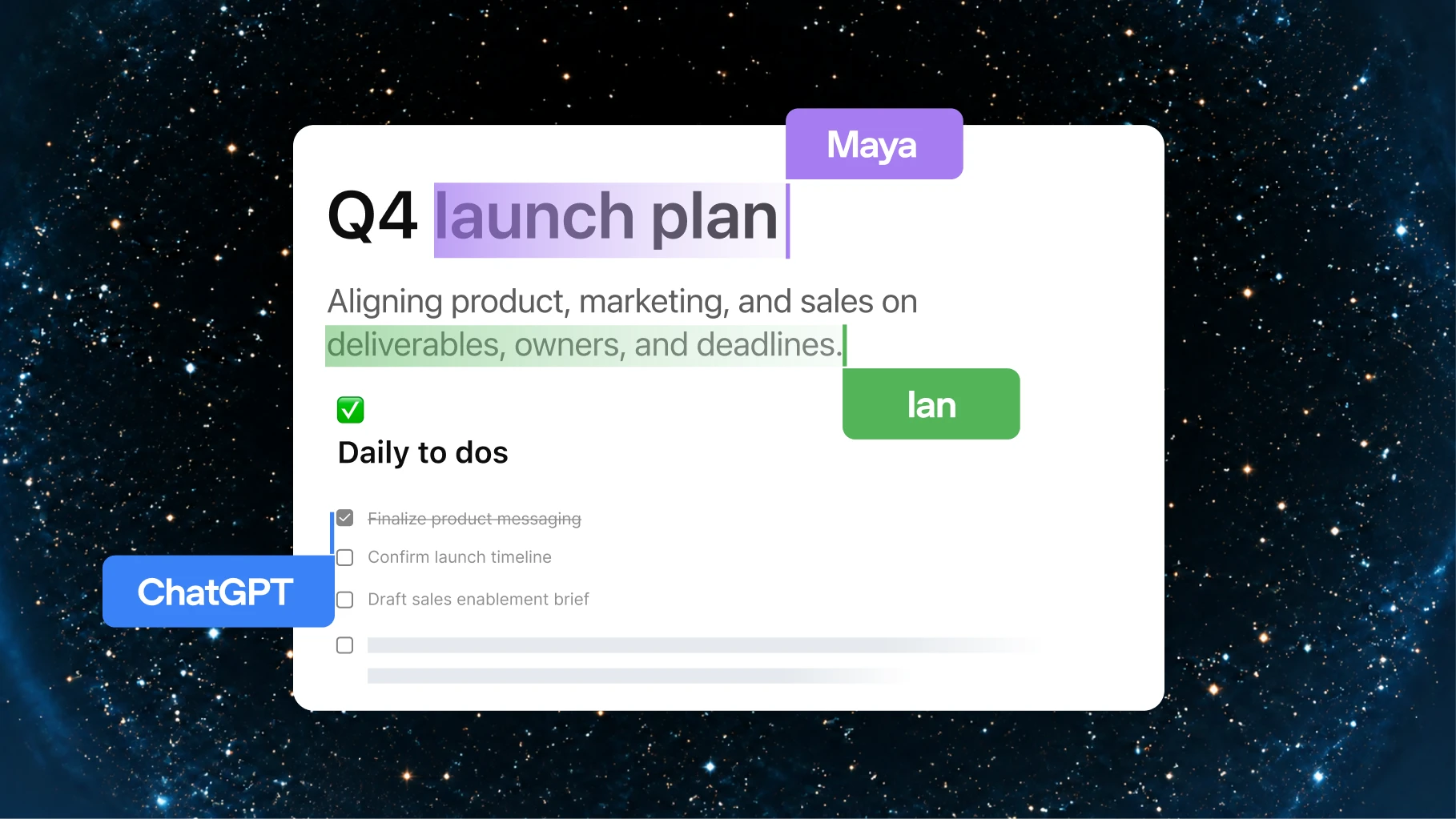
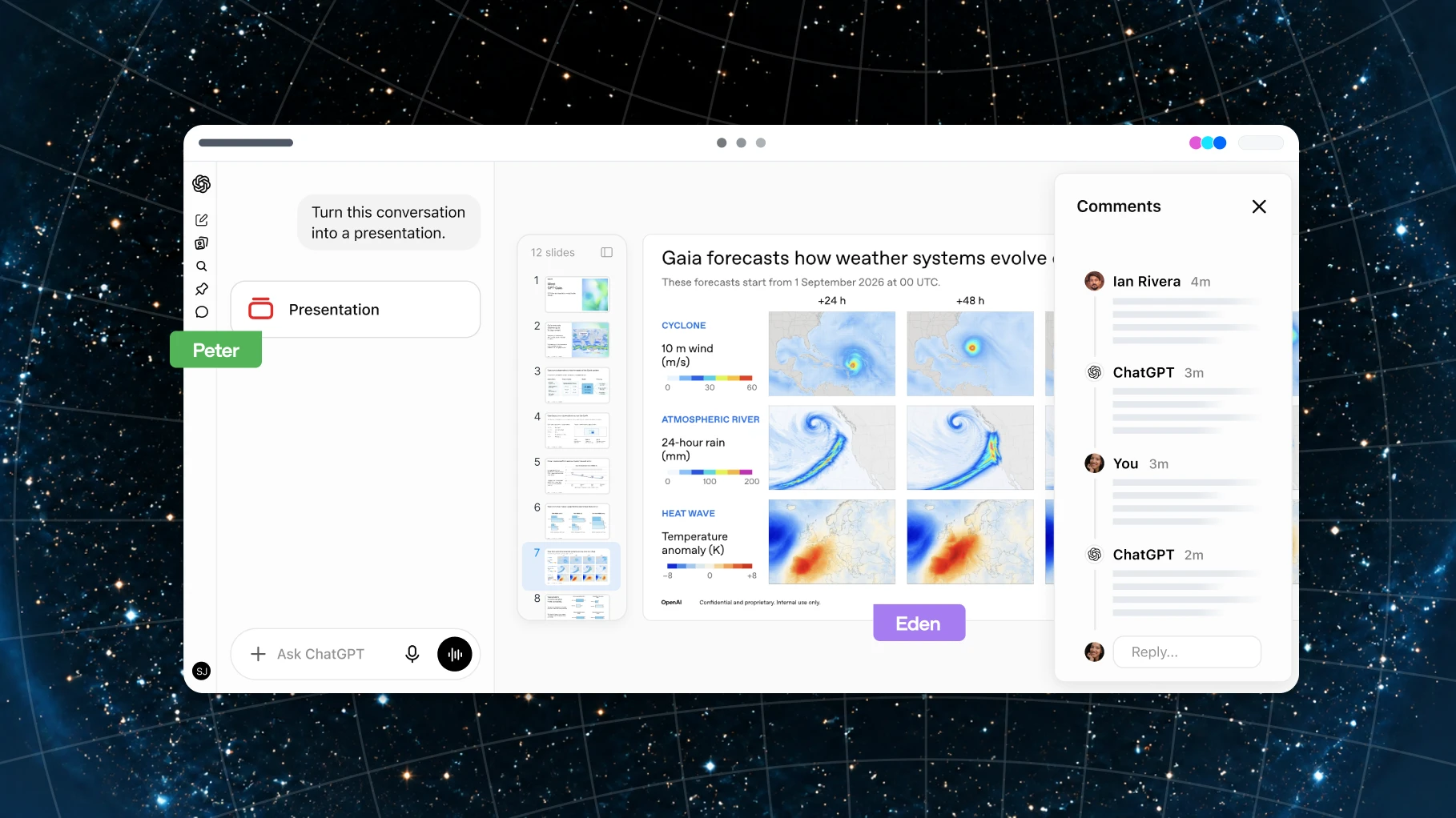
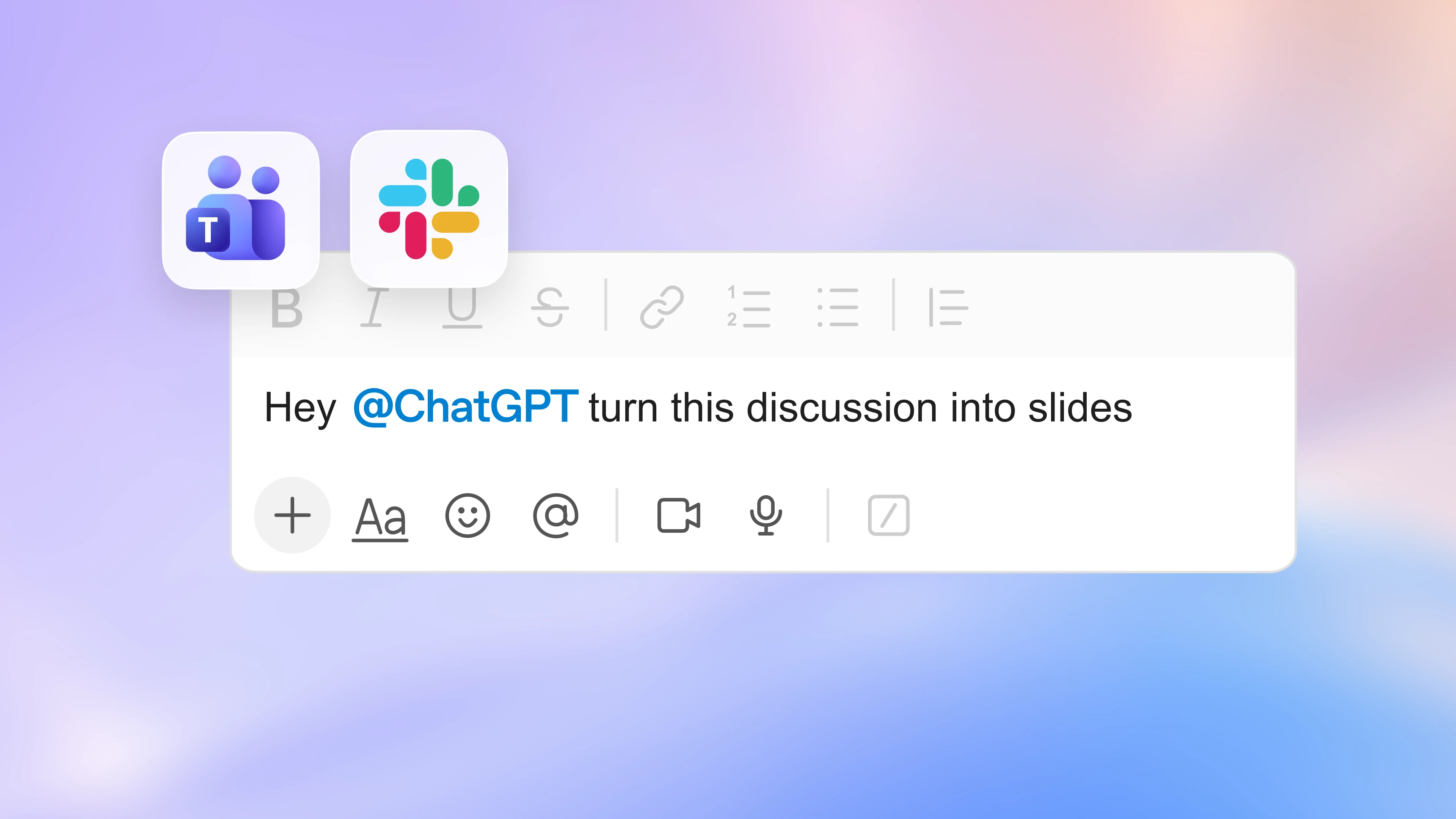
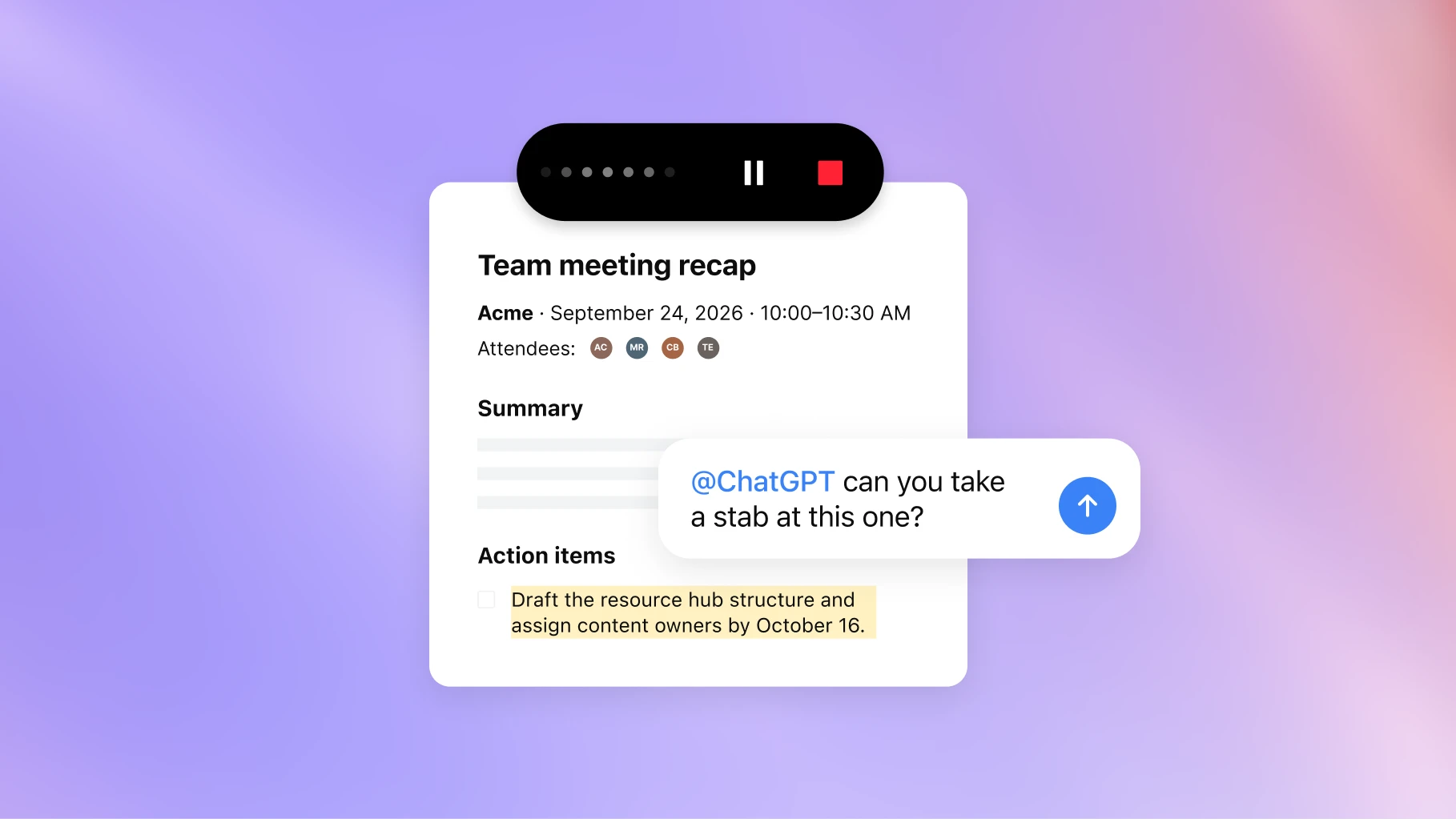
A new home for your team to collaborate with AI to get work done. Create a dedicated space where teammates, ChatGPT, and your dot can build on shared knowledge. ChatGPT can keep your space organized based on instructions you provide, so you can quickly find what you need and pick up where you left off.
Available to all Pro, Business, and Enterprise plans on the ChatGPT desktop app and web, with finding, reading, and sharing pages also available on mobile; mobile creation and editing are coming soon. Learn more(opens in a new window)
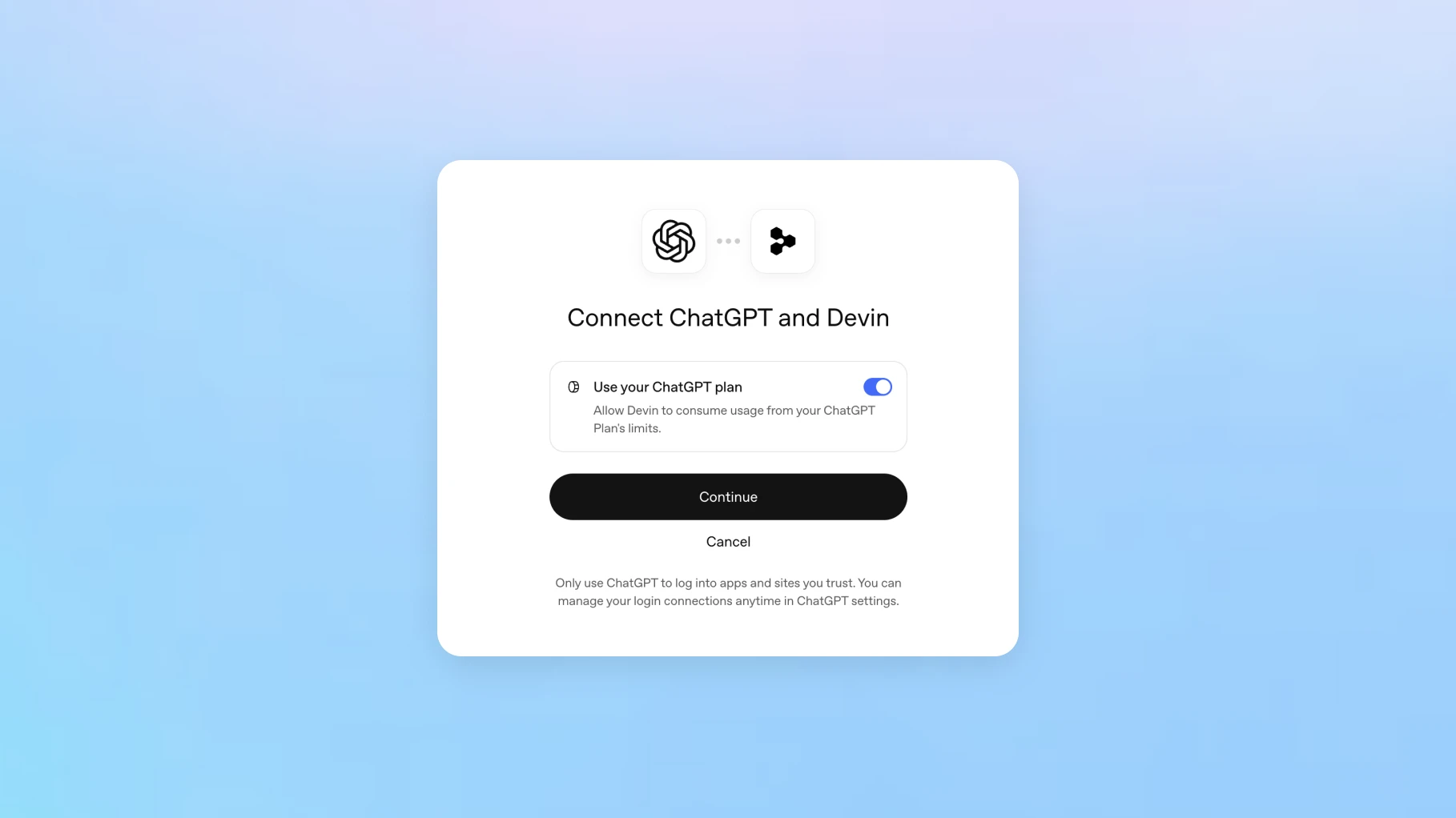

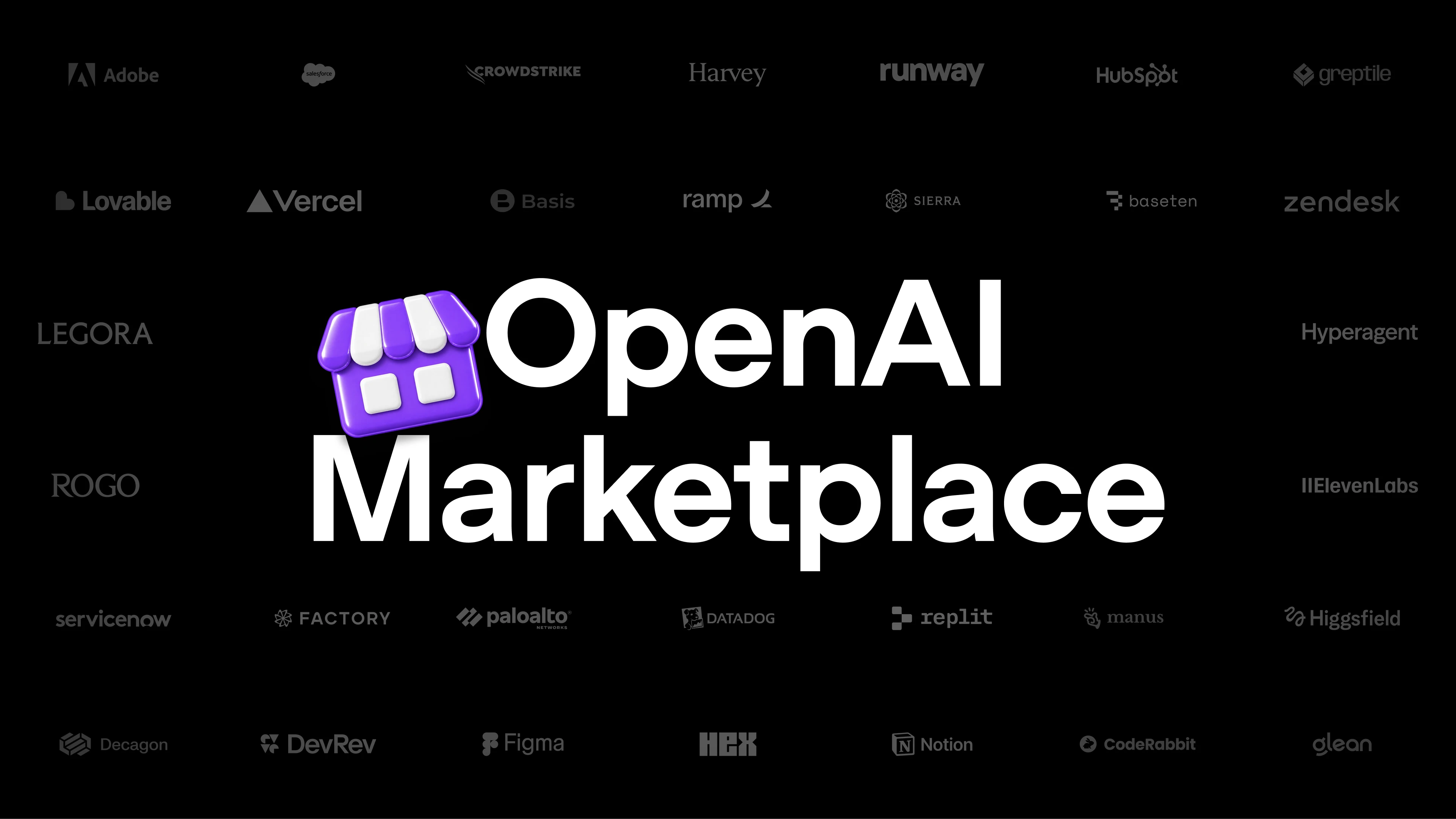
We’re making it easier to use your ChatGPT plan with other tools. Use your allowance across 16 partners including Cognition’s Devin, Notion, Vercel, T3, OpenClaw, and Dactyl, and control how much each can use. Eligible OpenAI usage counts toward your plan limits. You can also sign in to a range of tools with your ChatGPT account to connect plugins faster and manage fewer passwords.
Identity is available globally. Plan usage is available to Plus and Pro users in participating tools. Learn more(opens in a new window)